Suno Visuals · New 17 November 2026
Suno Visuals: make your video with the mastered song
Pick your song from the Suno library, and your video gets the unmastered version. Here are two simple ways to give it your master instead.
Not made the video yet?Upload your master to Suno
Master the song first, then upload it when you make the video.
How to do itAlready made it?Master the video here
Drop the video on PolishMyTrack, hear the difference, download the mastered video.
How to do itWatch out: Create Visual in the song’s “…” menu always uses the unmastered song.
Before you make the video
- Master your songOpen it in PolishMyTrack and download the master. One song is free.
- In Suno, go to Visuals → Video → + AudioNot Create Visual in the song’s menu.
- Upload your masterThen make the video as usual.
Already made the video
- Download the video from SunoSave it as an MP4.
- Drop the video on PolishMyTrackOn the home page or in Video to Audio. Nothing is uploaded.
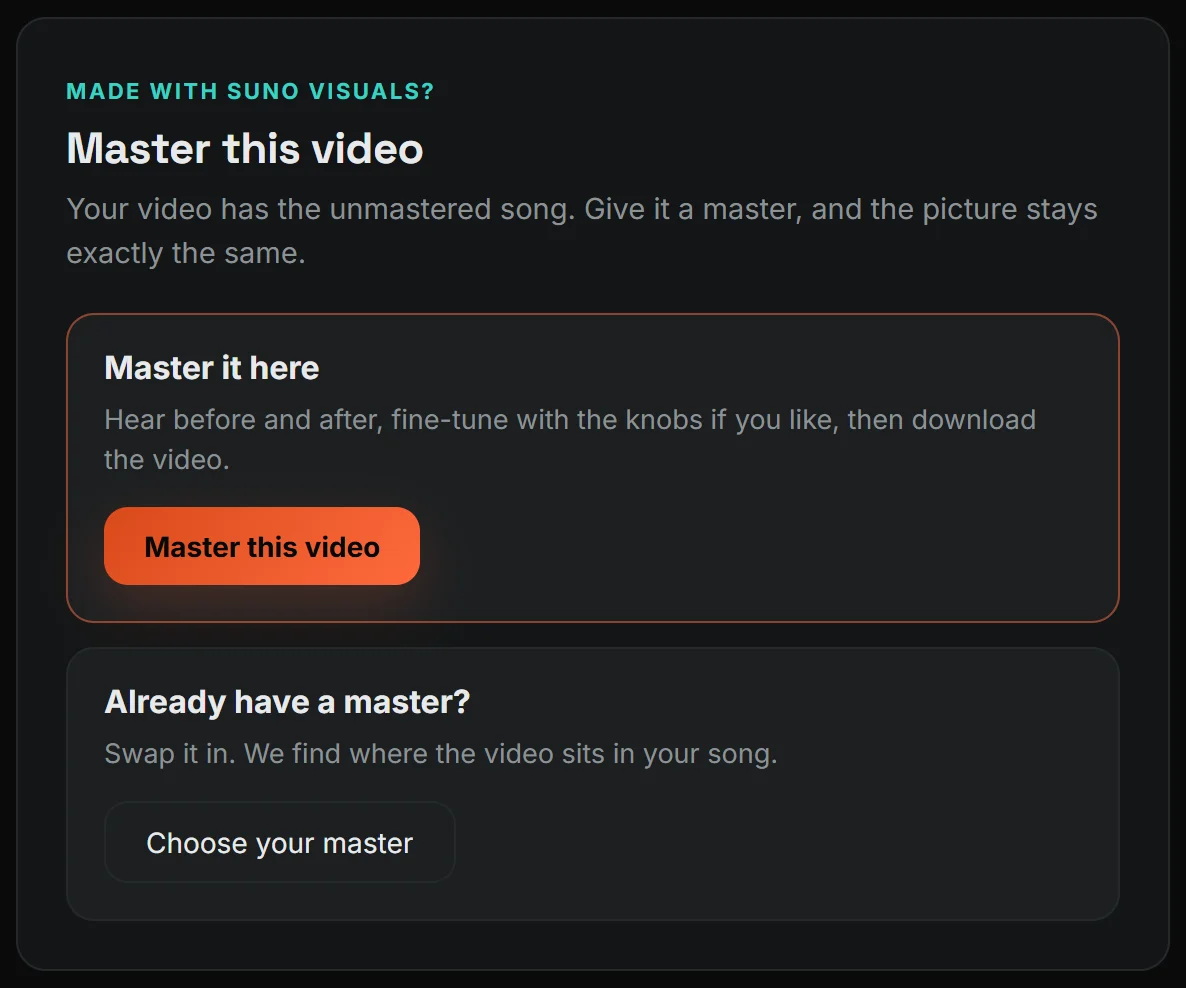
- Press “Master this video”Already have a master? Choose it instead, and we swap it in.
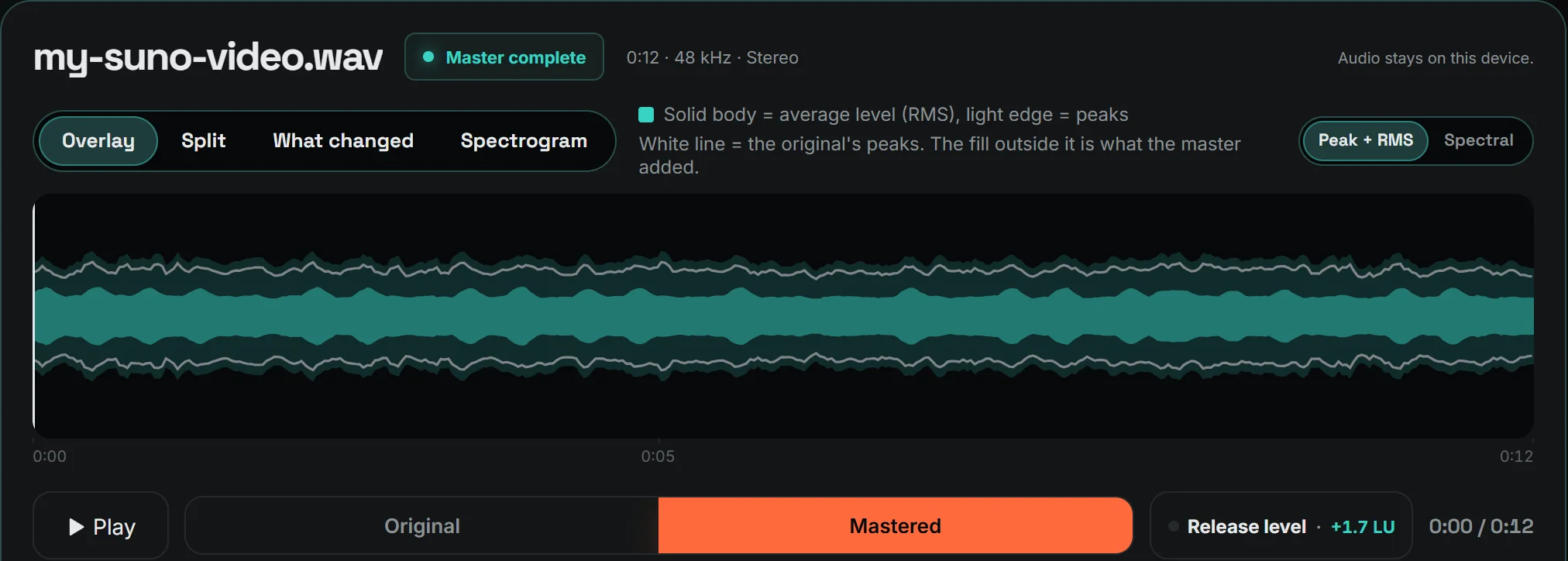
- Listen to the differenceThe master is made for you. Switch between Original and Mastered while it plays. That is what your video gets.
- Want it different? Use AdvancedTurn the knobs for more bass, warmth or brightness, then remaster. Simple is fine for most songs.
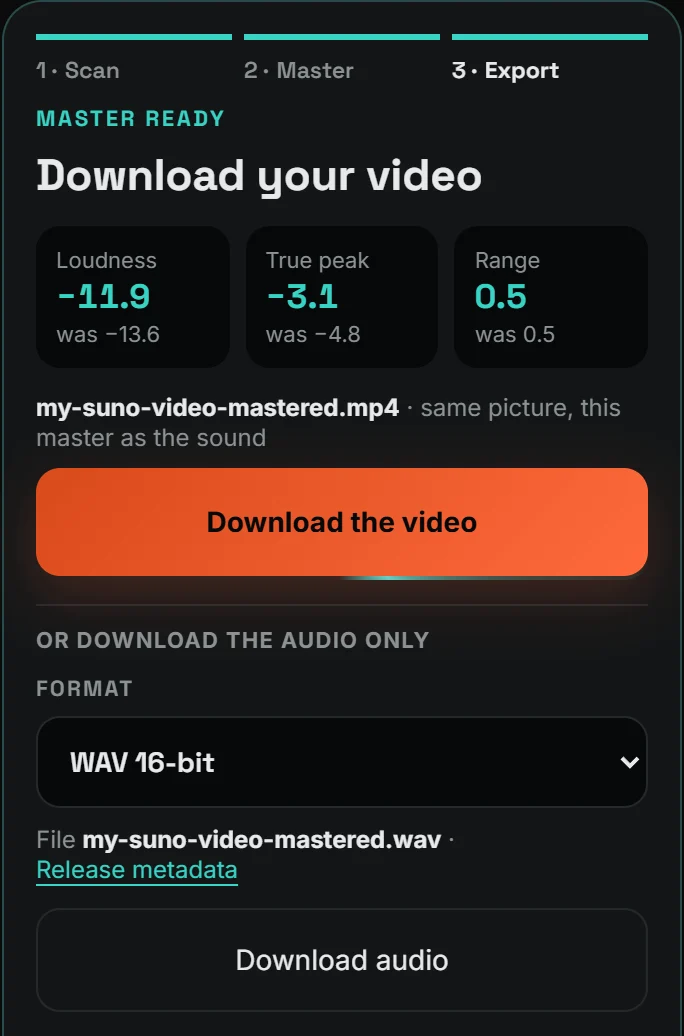
- Press “Download the video”Same picture, mastered sound, lip sync intact.
Good to know
- Bringing your own master? It has to be the same song, and the video has to follow the song in order. The page tells you if it doesn’t match.
- Use Chrome or Edge on a computer. Firefox can’t do it, and we haven’t confirmed iPhone yet.
- Lip sync stays exactly as Suno made it. We don’t move the sound, so if the mouth is off in Suno’s video, it is off in ours too. Suno’s lip sync seems to work best in English. In other languages, short words can disappear from the mouth.
How we checked: We made a 41-second Suno Visuals video with lip sync and mastered it here. The picture came out identical, the sound lined up to the sample with Suno’s original, and the loudness went from −13.5 to −12.6 LUFS. We did the same with our own test videos, including a 4-minute 1080p video of 256 MB.
Common questions
Does it cost more Suno credits?
No. The mastering happens in PolishMyTrack, after the video is made.
Will the video look worse?
No. The picture is copied as it is. Only the sound changes.
Is it free?
Mastering one song is free. Mastering a video is part of Premium.
Master your Suno video
Drop in the video, listen to the difference, download. The picture stays the same.
Open Video to Audio