How to extract audio from video without uploading it
If your only copy of a recording is in a video, you can save its audio as a WAV and work from that. PolishMyTrack reads the file on your device, so you do not have to upload the video to a converter.
Choose an MP4, MOV, M4V or WebM from your device. The extractor decodes its audio and writes a separate WAV. It does not apply mastering during extraction, and the original video remains unchanged.
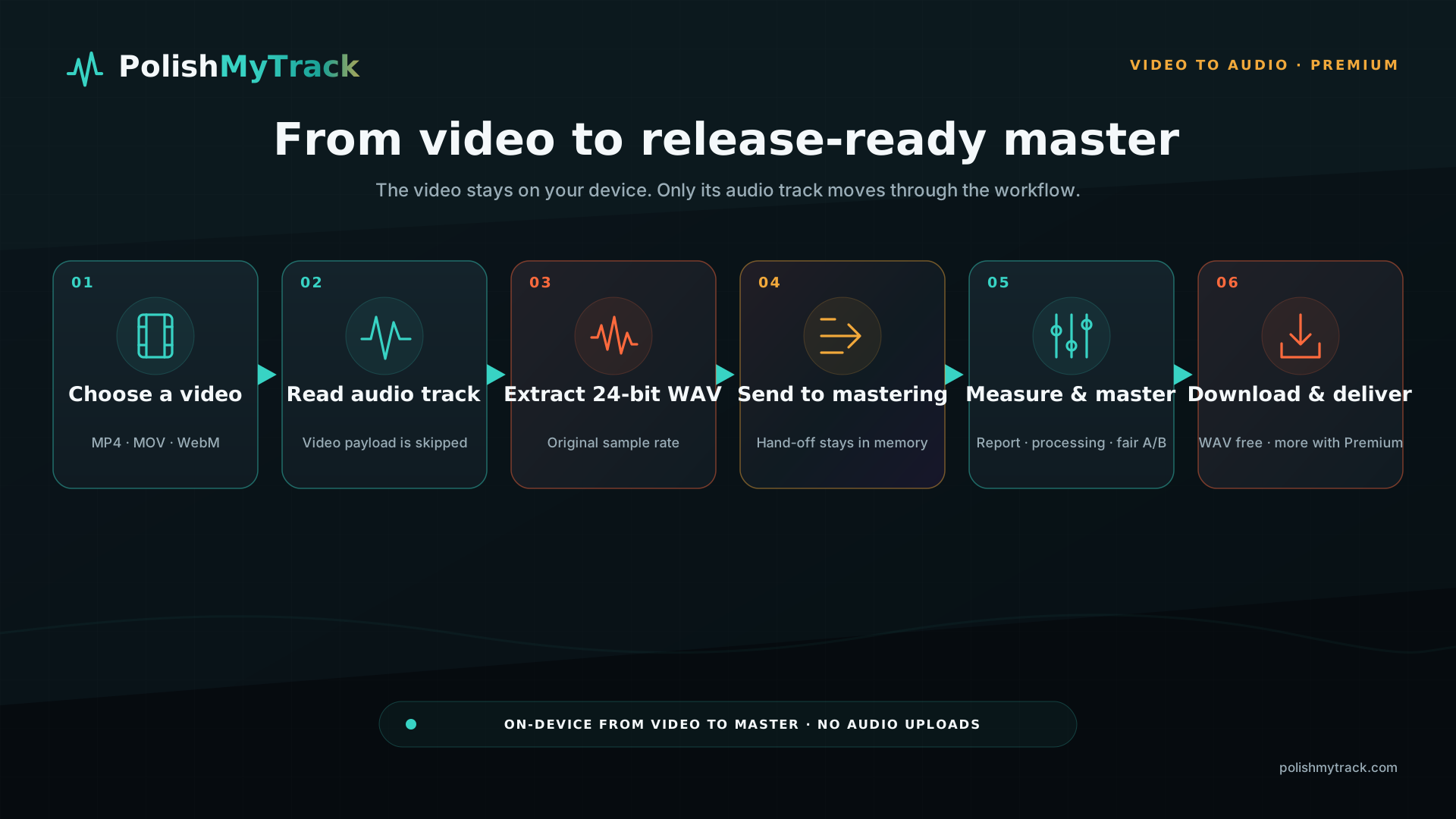
Where the processing happens
A server-based converter needs you to send it the source file and download the result. Local extraction avoids that transfer and keeps an unreleased recording on your own device.
PolishMyTrack reads the media container, finds the audio stream and decodes it in your browser. It has no endpoint for uploading your audio or video.
What affects speed and memory
On the supported streaming path, the extractor reads the file ranges needed for audio without decoding the video frames. This reduces memory use for large videos. Audio length still matters: a long recording needs memory even when the picture is skipped.
Some browser and container combinations require the whole file to be loaded. The interface explains that fallback and its size limit before extraction. Progress and cancellation remain available.
What a WAV can and cannot recover
A WAV extracted from AAC still contains the losses from the original AAC encode. Saving it as WAV avoids another lossy encode during this step, but it does not restore missing detail. Keep that WAV as your working copy.
You can download the WAV immediately or scan it in the mastering desk. Check its true peak, loudness and clipping findings, then listen. Extraction alone does not tell you whether the audio needs more processing.
The three-step workflow
- Choose your own video file. Supported containers are MP4, MOV, M4V and WebM.
- Extract to WAV locally. Keep the original video untouched. Cancel if you selected the wrong file.
- Download or send to mastering. The WAV can move directly into the same browser session without a server round trip.
Keep the best source available
If you still have the original audio export, use that instead of the soundtrack from an encoded video. When the video is the only copy, extraction gives you a separate file to edit and master while preserving that source.
Extract your video’s audio
Video to Audio is included in Premium. Choose a local video, extract its audio, then download the WAV or continue to mastering.
Open Video to Audio